
DYMO LabelWriter 320
Ustawienia
|
Ustawienie |
Wartość |
| Szerokość strony | 55 mm |
| Wysokość strony | 30 mm |
| Papier (nośnik) | 11354 Multi-purpose |
| Print quality |
Barcodes and graphics |
| Orientation | Portrait |
Instrukcja używania
- Zainstaluj driver
- Zmień nośnik w preferencjach drukarki na ten z tabelki
- Otwórz libreoffice writer
- Tools -> Options (na dole) -> Libreoffice writer -> Measurement unit -> Millimeter
- Format -> Page style
- Wszystkie marginesy ustaw na 0
- Width: 55
- Height: 30
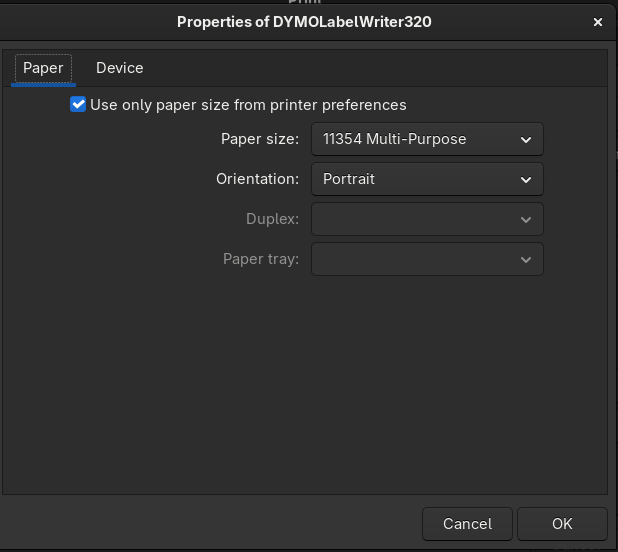
- Print -> Properties -> Use only paper size from printer preferences
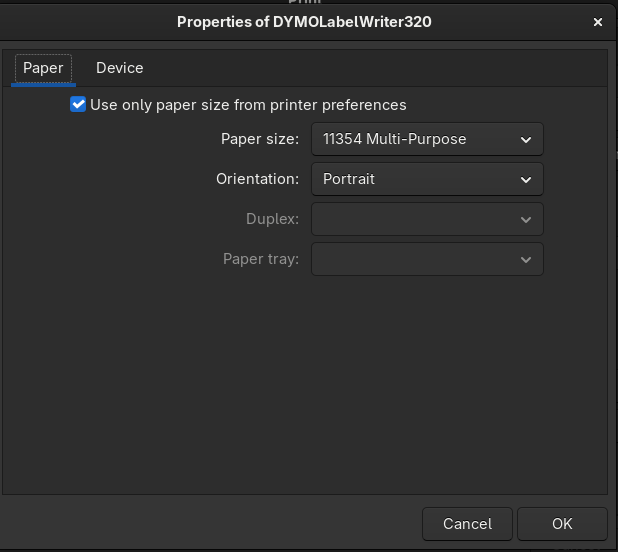
- Paper size: jak w tabelce
- Orientation: portrait
- OK
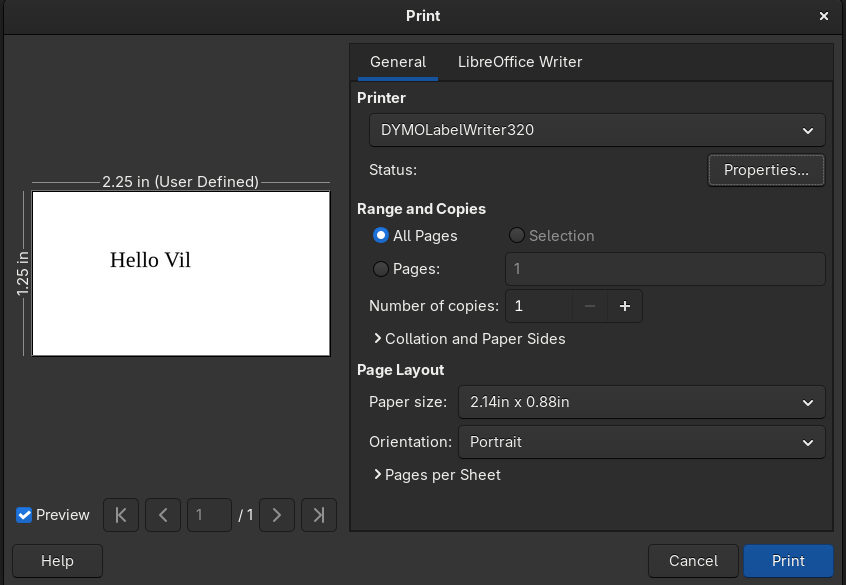
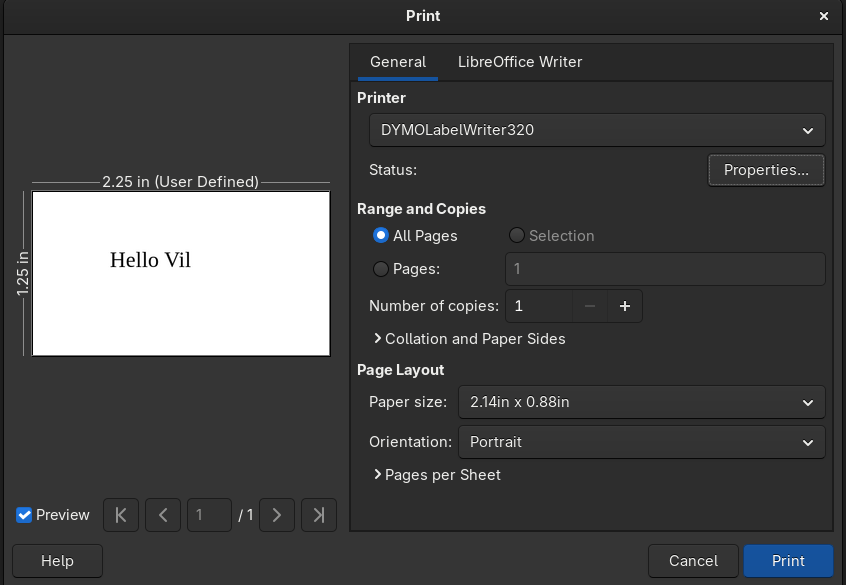
- Paper size: 2.14in x 0.88in
- Orientation: portrait
-
Uwagi
- Jak weźmiemy za duży papier to nam automatycznie obróci wydruk o 90 stopni w złym kierunku. Nie ważne czy za szeroki czy za wysoki.
Minstrukcja
- You can print plain text by piping it to `lp -o page-left=14 -o page-right=14`
- Maybe the same could instead be set using `lpoptions` or `lpadmin`
- You should find the model url on the `lpinfo -m` list (grep for LabelWriter) and the usb url on the `lpinfo -v`, and use that to add a name for the printer with `lpadmin -p Dymo -E -v (usb url) -m (model url)`
- You should make the now-named printer the default by `lpadmin -d Dymo`, then.
- You should find out list of paper sizes from `lpoptions -p Dymo -l`
- You should pick some `w154h<something>` and `lpoptions -p Dymo -o PageSize=w154hsomething`
- Poor sources suggest you can also use `-o raw` to send ESC/P codes to it to go around CUPS page handling
-
echo -e '\x1B\x40\x1B\x33\x10\x1B\x61\x01Your text here\x0A\x0A\x1BD\x0C' # for 16 point, centered
-
- Or that instead of `PageSize=` you can use `media=`.